
Catch a thought. Pop it.
A tiny bubble lives in your menubar. Click it, type the idea that just hit you, hit Return — pop, saved. Quick, satisfying, and you're back in flow.

Built for flow
Lives in the menubar
No Dock icon, no Cmd+Tab clutter. The bubble is always one click away and never in your face.
From anywhere, by keyboard
Set a global shortcut to summon a bubble. Set another to open your saved ideas. Never leave the keyboard.
Pop to save
Hit Return and the bubble pops with a satisfying little animation. The idea is saved and off your screen.
Local and private
Your ideas live on your Mac, in a single JSON file. No account, no telemetry, no cloud. Nothing leaves your machine.
Readable on any background
The soap-bubble look stays legible on white walls, dark terminals, and busy photos alike.
Minimal by design
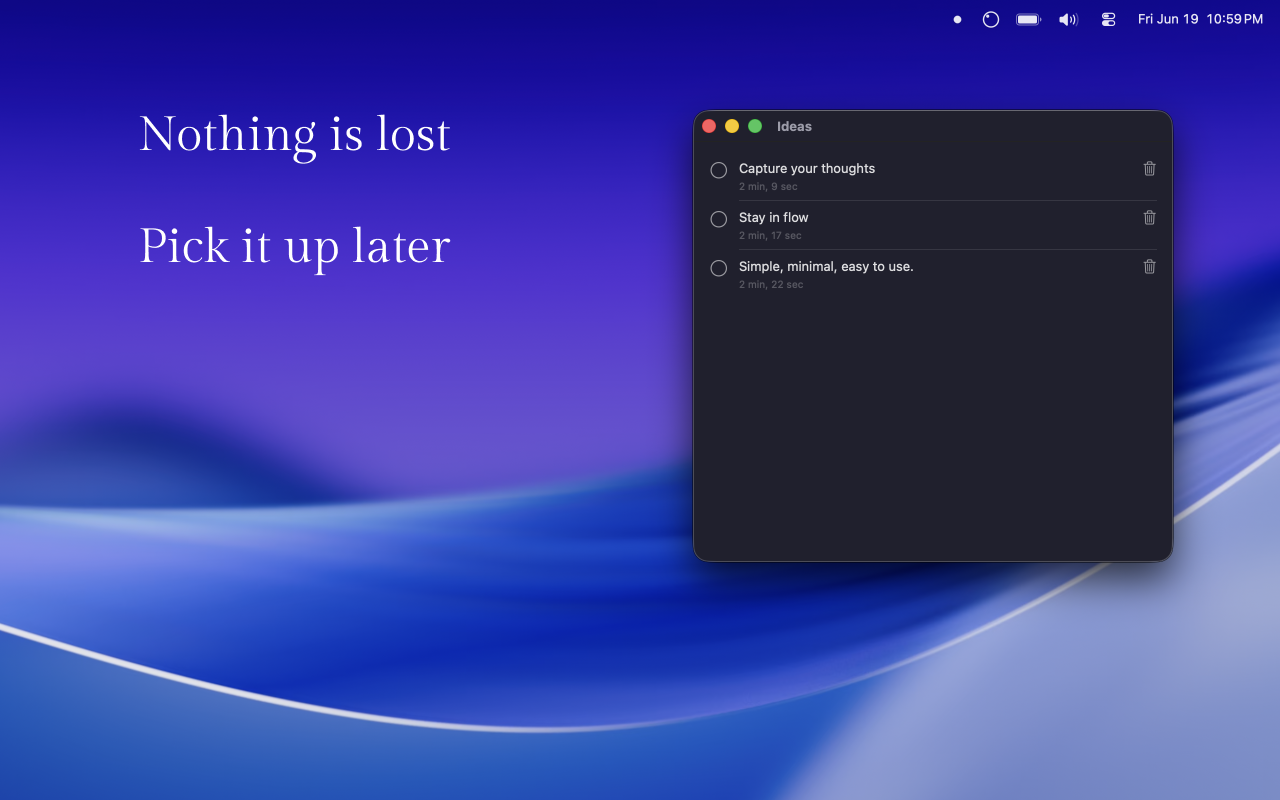
No tags, folders, Markdown, or due dates. Just what you wrote and when — done, edit, delete.

Support
Need a hand, found a bug, or have an idea? Email lidchen@outlook.com. I read every message and reply within a few days.
Frequently asked questions
Where are my ideas stored?
In a single JSON file at
~/Library/Application Support/idea-bubble/ideas.json.
You can back it up, copy it, or delete it. Nothing leaves your Mac.
How do I set the global shortcut?
Open Settings from the menubar bubble's right-click menu, then click the recorder next to Summon bubble and press the combination you want. Same for Open ideas.
The shortcut isn't working — what now?
macOS sometimes claims a key combination for itself or another app. Try a different combination, or check System Settings → Keyboard → Keyboard Shortcuts for a conflict. If a previous app reserved the same shortcut, you may need to quit it.
Can I sync my ideas across Macs?
Not today. Whim Bubble is intentionally local-only. If syncing
matters to you, store the ideas.json file in a
folder synced by iCloud Drive or Dropbox — but I haven't tested
that, so do it at your own risk.
Can I export my ideas?
The JSON file is the export. Open it in any text editor.
Why doesn't it have folders, tags, or search?
Whim Bubble is for the ideas you want out of your head, not the ones you'll organize later. If you need projects and structure, your task app already does that better than I would.
How do I uninstall?
Drag Whim Bubble from Applications to the
Trash. To remove your saved ideas too, also delete
~/Library/Application Support/idea-bubble/.
Will there be an iOS version?
Maybe. The Mac version is the focus right now. If you'd like iOS, let me know — it's the kind of thing that gets prioritized by demand.
Privacy
Whim Bubble does not collect, transmit, or share any data. There
is no account, no analytics, no crash reporting, no network
activity at all. Your ideas are stored locally on your Mac, in a
single JSON file under ~/Library/Application Support/idea-bubble/.
The App Store privacy label for Whim Bubble is Data Not Collected.